
If you own a multi-user license, log into your account page on the VideoScribe website to manage your team.
- Select the ‘Team’ tab in the left-hand panel
- Fill in the required details of the changes you need to make
- Select ‘Submit’
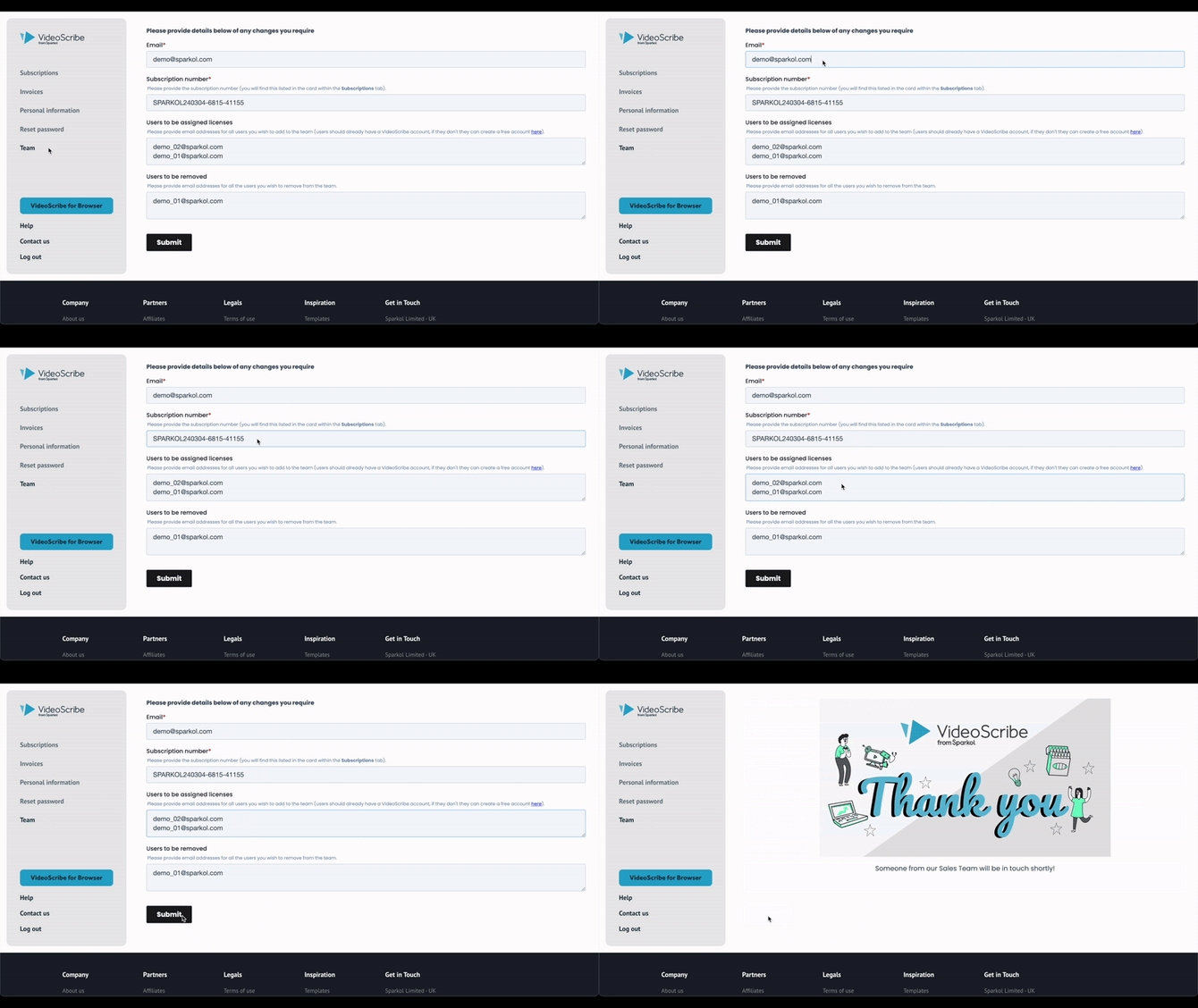
Your request will be sent to our Customer Success team to manually make the changes for you. They will be in touch with you regarding the changes.
If you require any further support, please contact our Custom Success team directly here.